Mastering Prompt Engineering: Concepts and Techniques for Harnessing the Power of LLMs
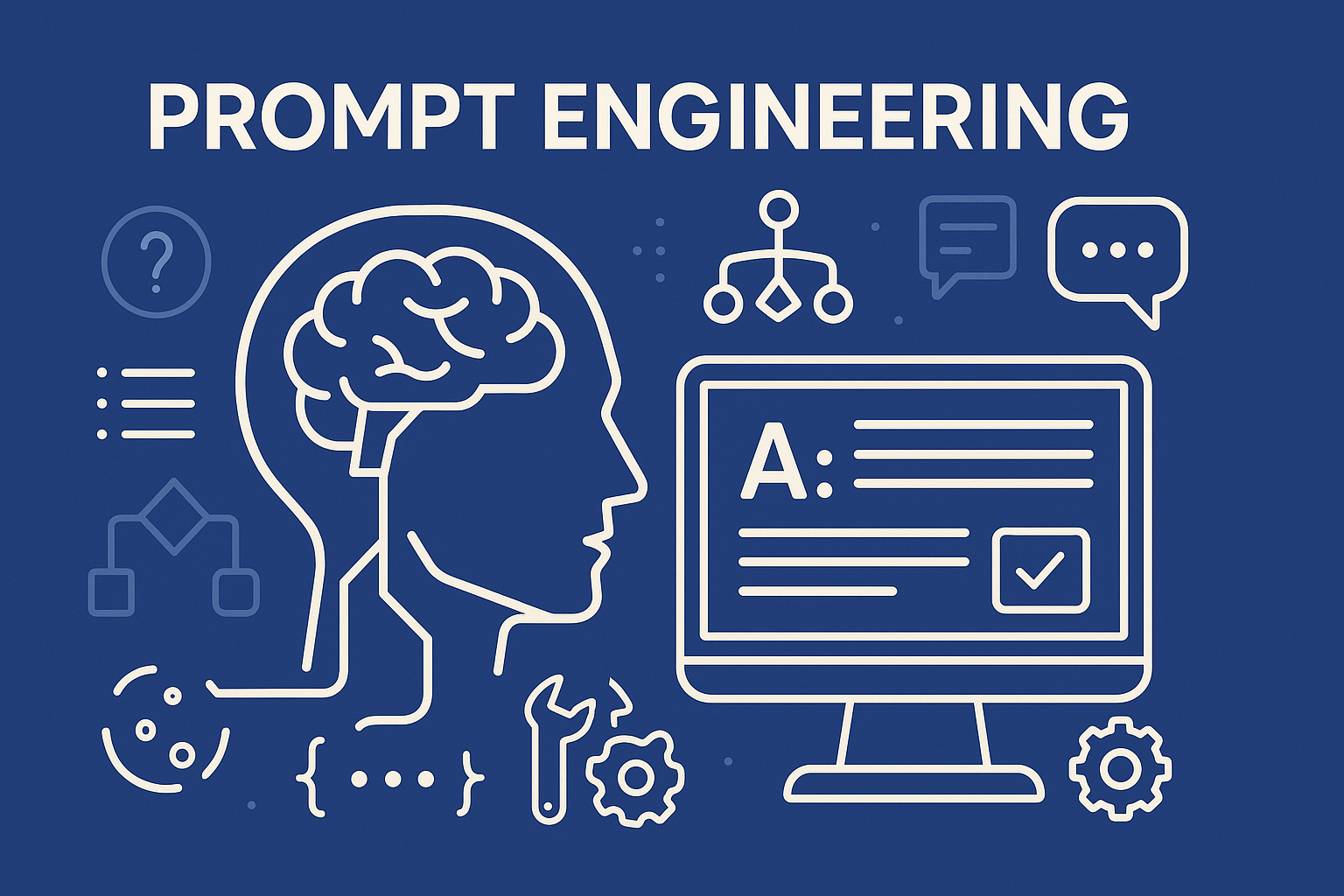
Prompt engineering has emerged as a vital discipline for maximizing the performance of large language models (LLMs) like GPT-4, Claude, and LLaMA. By crafting effective prompts, users can dramatically influence the behavior, accuracy, and output quality of these models. This blog explores prompt engineering in depth—from foundational concepts to advanced techniques—designed for developers, researchers, and AI enthusiasts aiming to master prompt design.
📌 Introduction to Prompt Engineering
What is Prompt Engineering?
Prompt engineering refers to the practice of designing and refining input prompts to elicit specific, high-quality responses from language models. As LLMs are sensitive to context, the structure and phrasing of a prompt can significantly affect the outcome.
Why It Matters
LLMs do not have persistent memory of tasks; they rely entirely on the prompt to understand intent. Well-engineered prompts can:
- Improve response quality
- Reduce hallucinations
- Guide task-specific behaviors
- Enable compositional reasoning
🧬 Anatomy of a Prompt
Understanding the structure of a prompt is key to crafting effective instructions for large language models. A well-designed prompt typically includes:
- Role Instruction (optional):
Defines the persona or tone the model should adopt.
Example: “You are a helpful assistant with expertise in data science.” - Task Definition:
Clearly states what you want the model to do.
Example: “Summarize the following text in three bullet points.” - Context / Input Data:
The text, question, or data the model should process.
Example: “The research paper discusses how transformer models revolutionized NLP…” - Formatting Constraints:
Specifies output format, structure, or style.
Example: “Respond in JSON format with keys: summary, sentiment, and tone.” - Delimiters or Anchors:
Use markers to organize parts of the prompt clearly.
Example:### Input,### Instructions, or"""Text""" - Examples (Few-shot prompting):
Optional, but powerful way to guide the model’s behavior.Input: "I love this product!"Output: "Positive"
This modular breakdown helps users think methodically when designing prompts, leading to more reliable and interpretable outputs.
🧱 Basic Concepts
Zero-shot, One-shot, and Few-shot Prompting
- Zero-shot: Asking a model to complete a task without examples.
- One-shot: Providing a single example.
- Few-shot: Supplying several examples to teach the task.
Instruction vs Completion Prompting
- Instruction-based: Directly telling the model what to do (e.g., “Summarize this text…”).
- Completion-based: Starting a sentence or paragraph and letting the model complete it.
Prompt Formatting Best Practices
- Use clear instructions
- Separate sections with delimiters (e.g.,
"###","---") - Avoid ambiguity
- Place examples close to the task prompt
🚀 Advanced Techniques
Chain-of-Thought (CoT) Prompting
Encourages the model to reason step-by-step by prompting it to “think aloud” before answering.
Self-Consistency and Reflexion
- Self-consistency: Sample multiple reasoning paths and select the most common answer.
- Reflexion: Ask the model to critique and revise its own responses.
ReAct (Reasoning + Acting)
Combines reasoning steps with function/tool calls for interactive workflows (e.g., searching, calculating).
Tree-of-Thoughts (ToT)
Allows the model to explore multiple reasoning paths simultaneously like a decision tree.
Program-Aided Prompting (PaP)
Uses external tools (e.g., Python functions) to assist in reasoning, offloading part of the task.
Tool Use and Function Calling
OpenAI functions, LangChain tools, or APIs help the model interact with external environments and APIs.
🧩 Common Prompt Patterns
Roleplay Prompting
Assigns a role to the model (e.g., “Act as a security analyst…”) to influence its style and tone.
Style Transfer
Instructs the model to write in a specific style, tone, or persona (e.g., “Write this like Shakespeare”).
Step-by-Step Explanation
Improves reasoning by explicitly requesting a breakdown of logic or calculation.
Delimiting and Context Anchoring
Use markers (e.g., "### Question") to anchor different parts of a complex prompt.
Prompt Templates for Common Tasks
- Summarization: “Summarize the following article in 3 bullet points: …”
- Q&A: “Answer the following question with evidence: …”
- Classification: “Label the sentiment as Positive, Negative, or Neutral: …”
📏 Evaluating Prompt Effectiveness
Metrics and Heuristics
- Accuracy (if ground truth exists)
- Relevance
- Fluency and coherence
- Hallucination rate
A/B Testing Prompts
Compare two prompts side-by-side across multiple queries to determine which performs better.
Feedback Loops
Iteratively refine prompts based on user responses, model errors, or observed limitations.
🛠️ Tooling and Libraries
LangChain
Framework for chaining LLM calls, using tools, and managing stateful interactions.
PromptLayer
Tracks and versions prompt inputs/outputs in production environments.
Guidance
Open-source library from Microsoft for structured prompting and LLM control flow.
Notebooks & APIs
- OpenAI Playground: Interactive testing environment
- Hugging Face Spaces: UI for testing hosted models
🔮 Future of Prompt Engineering
Auto-Prompting & Synthetic Data
Future tools may generate prompts automatically or create synthetic training data for fine-tuning.
Role in Alignment & Safety
Prompt design can steer models away from harmful outputs and improve alignment with human values.
💡 Final Thoughts
Prompt engineering is more than trial-and-error—it’s becoming a craft. As language models grow more capable, the ability to control and direct their output becomes critical. By mastering prompt design, developers unlock the full power of LLMs, making them not just useful—but indispensable.
Stay tuned for deeper dives into each of these techniques and their implementation in real-world workflows!